
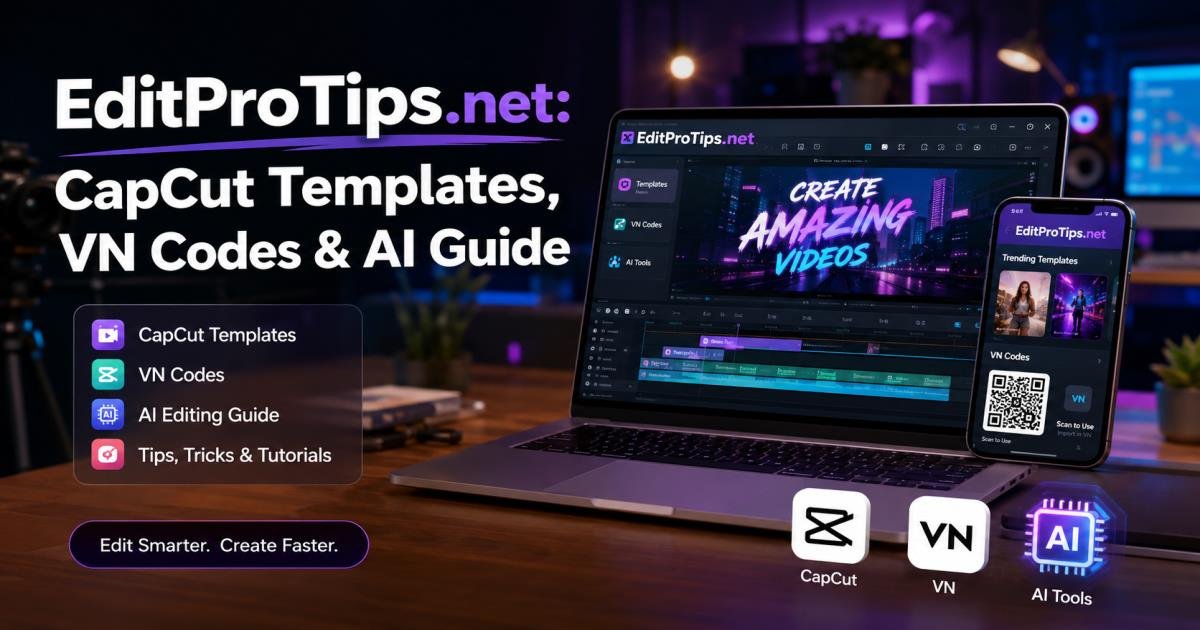

EditProTips. net is a free resource site that shares CapCut templates, VN codes, and AI editing guides. Creators use it to make Instagram Reels and YouTube Shorts faster on their phones. Most posts focus on one-click templates, scan-and-replace VN projects, and simple AI prompts that turn ordinary photos into trending effects.
This article shows exactly what you find on EditProTips. net, how to apply the templates and codes, common problems, and practical safety steps. The advice comes from how these resources actually work inside CapCut and VN, not from marketing claims.
What is EditProTips. net?
EditProTips.net belongs to a group of Indian creator sites that collect and share free mobile editing resources. The pages list CapCut templates for popular song edits, VN codes that load full projects, and AI prompts for tools like Google Gemini or ChatGPT.
You open a post, follow the short steps, and replace the sample clips with your own photos or videos. The site aims at people who edit on phones and want quick results for Reels or Shorts. Indian users often see templates built around Bollywood tracks and regional songs. Worldwide users can still apply the same templates with their own music and footage.
Several domains use the EditProTips name. Always check the exact URL before you click any template link.
What Can You Find on EditProTips. net?
CapCut Templates
CapCut templates are ready-made projects. They already contain transitions, effects, text styles, and music timing. On EditProTips. net you usually find templates built for current Reel trends.
You open the link, CapCut loads the project, and you swap the demo clips for your own. Many templates sync cuts to the beat of a popular song. This saves the time of building every transition yourself. Templates appear and disappear as trends change, so the newest posts work best.
VN Codes and Templates
VN codes (sometimes shown as QR codes) work inside the VN Video Editor app. A creator builds a full project with transitions and timing, then shares the code. You scan the code or enter it, and the complete timeline loads.
After the project opens, you replace each placeholder photo or clip with your own. VN codes give more control over the timeline than some CapCut templates. Posts on EditProTips.net often include both the code image and the exact steps to scan it.
AI Editing Guides
The AI sections give ready-to-copy prompts and short tutorials. A typical guide shows how to turn a normal photo into a flying effect, fire-hand effect, or high-quality night look. You copy the prompt, paste it into Gemini or ChatGPT, upload your photo, and download the result.
Many creators then drop that AI image into CapCut or VN for the final video. The guides stay simple and skip heavy technical talk.
How to Use EditProTips. net Templates
How to Use a CapCut Template
Install CapCut from the official app store. Open the template post on EditProTips. net and tap the CapCut link. The app opens and shows the preview. Tap “Use template,” then replace every placeholder clip with your own media. Adjust text or speed if needed, preview the video, and export in 1080p vertical.
If the link fails, update CapCut or try a free VPN. Some templates only work in certain regions.
How to Use a VN Code
Install the official VN app. Open the post that shows the code or QR image. Take a clear screenshot of the QR if needed. Inside VN, tap the scanner icon (usually top right) and scan the screenshot. The project loads. Replace the demo clips one by one, then export.
Keep your clips close in length to the original placeholders. This keeps the timing and transitions looking clean.
How to Follow an AI Editing Tutorial
Read the full prompt on the page. Copy it exactly. Open Gemini or ChatGPT, upload your photo, and enter the prompt. Generate the image, download it, and import it into CapCut or VN if you want to add motion or music. Follow any extra tips the guide gives for better quality.
EditProTips. net for Indian Creators
Most templates and codes on EditProTips.net match Indian short-form trends. You see Bollywood song edits, regional music tracks, festival themes, and everyday Reel styles that perform well on Instagram and YouTube Shorts in India.
Creators who post daily find the one-click method useful because phone storage and data are often limited. The steps stay short and mix simple English with familiar terms. Worldwide users can still follow the same process. Just swap the music if the original track has regional limits.
Best Features of EditProTips. net
The site lists free CapCut templates and VN codes with clear steps. Beginners can finish a Reel in a few minutes. Posts update often with new trending styles. Everything works on a phone, so you never need a computer. Many AI guides also show free tools only.
Are EditProTips. net Templates Really Free?
EditProTips.net posts the templates, codes, and guides for free. You do not pay the site. You still need the free CapCut and VN apps from the official stores. Some CapCut music or advanced features may need a subscription or face country limits. Template links can stop working when CapCut or VN removes the original project. Always test a template before you plan a post around it.
Is EditProTips Safe to Use?
Stay careful with any template site. Check the exact URL. Never download random APK files that claim to be editing tools. Use only CapCut and VN from the official app stores. For AI prompts, stick to known tools such as Gemini or ChatGPT. Skip any button that asks for extra permissions or personal data. These steps keep the risk low because the real work happens inside the official apps.
Pros and Cons
Pros
Free CapCut templates and VN codes.
Clear steps that beginners can follow.
Regular updates that match current Reel trends.
Works fully on a phone.
Cons
Links and codes can stop working.
Some CapCut features change by country.
Results depend on the quality of your own clips.
Extra ads appear on some pages.
EditProTips. net vs Traditional Video Editing
With a template from EditProTips.net you start with a finished structure and only replace the media. Traditional editing means you build every cut, transition, and effect yourself inside CapCut or VN.
Templates need less time and skill. Full manual editing gives more control and unique looks. Beginners and people who post every day usually start with templates. Creators who want a custom style switch to manual work after they learn the basics.
Common Problems With EditProTips Templates
Template Link Not Working
Update CapCut, check your connection, or try a free VPN. The original template may also have been removed.
VN Code Not Scanning
Take a sharper screenshot, improve the light, or update the VN app. Scan only inside the VN scanner, not with the regular camera.
CapCut Template Not Opening
Confirm CapCut is installed and updated. Clear the app cache. Some templates need a logged-in account.
Template Looks Different After Importing
Your clips may be longer or shorter than the placeholders. Match the original timing and crop carefully. Adjust speed on individual clips if needed.
App or Region Compatibility Issues
CapCut features vary by country. VN usually works more consistently. Keep both apps updated and test with the free versions.
Tips for Getting Better Results From EditProTips. net
Shoot or choose clear, well-lit photos and videos. Match your clip lengths to the template timing so the beats and cuts stay in place. Use the 9:16 vertical ratio for Reels and Shorts. Check music copyright rules before you post. Change the text, colors, and a few transitions so the video feels like yours. Export at 1080p or higher. Watch the final video on your phone screen the same way viewers will see it.
Who Should Use EditProTips. net?
Instagram Reels creators who post often.
YouTube Shorts makers who need fast styles.
Beginners who want clean results without long learning.
Students and casual creators making content for fun.
Anyone who prefers ready templates over building every project from zero.
It is less useful if you need long original videos or full control over every frame.
Final Verdict: Is EditProTips.net Worth Trying?
EditProTips. net is worth trying if you make short mobile videos and want faster results. The free CapCut templates, VN codes, and AI guides help many creators finish Reels and Shorts in minutes. Results still depend on your footage quality and how well you match the original timing.
Stay safe by using only official CapCut and VN apps and by checking every URL. Treat each template as a starting point. Replace the media, change the text, and adjust a few effects so the video feels personal. Start with one simple template, follow the steps, and decide for yourself whether it fits your workflow.
Frequently Asked Questions
What is EditProTips. net?
EditProTips. net is a free site that shares CapCut templates, VN codes, and AI editing guides mainly for short phone videos.
Is EditProTips. net free?
Yes. The posts, templates, and codes are free to use. You only need the official CapCut and VN apps.
Does EditProTips. net provide CapCut templates?
Yes. Many posts give direct CapCut template links with step-by-step instructions.
Does EditProTips. net provide VN codes?
Yes. Posts include VN project codes and QR images you can scan inside the VN app.
Can beginners use EditProTips. net?
Yes. The guides use short steps and the templates work with simple media replacement.
Does EditProTips. net offer AI editing guides?
Yes. You find ready prompts and short tutorials for photo and video effects.
Are all templates guaranteed to work?
No. Links and codes can expire. Always test one before you rely on it.
Is EditProTips. net available worldwide?
The site is open to everyone. Some CapCut features may differ by country, but most templates and codes still work.



[…] Healing Thailand CapCut template is a ready-made video format inside the CapCut app. It comes pre-loaded with transitions, filters, text […]