
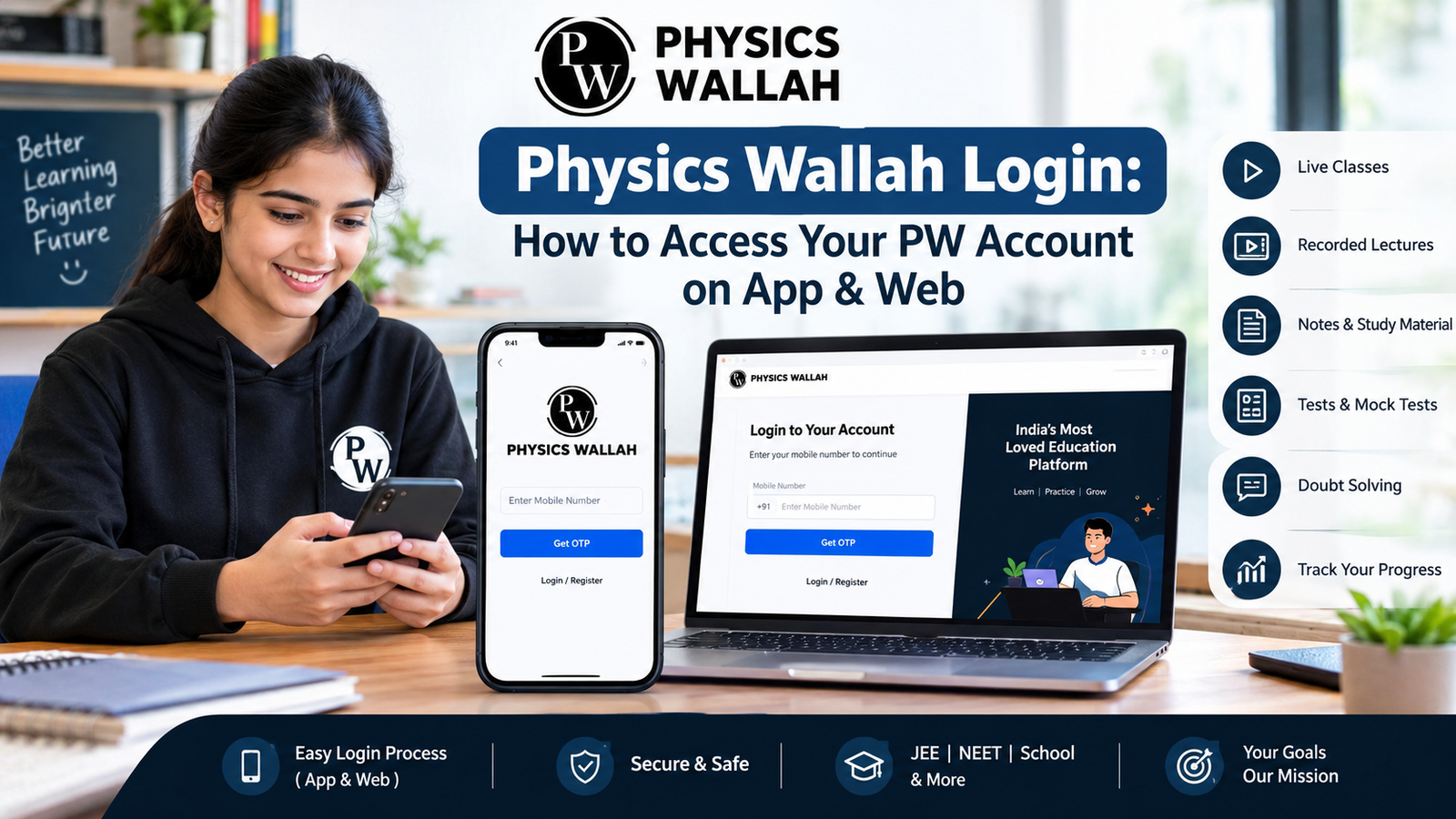

A Physics Wallah login takes three steps: open the PW app or pw. live, enter your registered mobile number, and type in the OTP sent to that number. You land on your dashboard right after, with your batches, live classes, and notes ready to go.
That covers the basic case. If you’re here, something probably isn’t working the way it should. The OTP might not have arrived. You might have switched phones and forgotten which number you registered with. Or you might be opening a PW account for the first time and want to know what to expect.
This guide covers the exact steps for app and web login, fixes for the problems that come up most, how login differs across PW’s various portals, and how to keep your account secure.
What Is Physics Wallah Login?
Physics Wallah login means signing in to the account tied to your enrolled courses, batches, or test series. PW was founded by Alakh Pandey and Prateek Maheshwari, and it now serves over 3.5 million registered students across school and competitive-exam programs. Your account is where all of that access lives.
Once you’re logged in, you can reach:
- Live and recorded classes for your batch
- Notes, PDFs, and material shared by your faculty
- Practice tests and quizzes with your score history
- Doubt-solving tools and discussion forums
- Your payment and batch enrollment records
Anyone with a PW account can log in this way, whether they’re a school student, a JEE or NEET aspirant, or someone preparing for a government exam. PW covers students from Class 6 through postgraduate exam prep, so the same login system handles a wide age and goal range.
Registering and logging in are different things. You register once, when you first create your account with your mobile number and basic details. After that, every visit is a Physics Wallah login. If you already have an account, you never register again.
What You Need Before Physics Wallah Login
Before you start, have these ready:
- Your registered mobile number — the one you used to sign up with PW
- The phone or SIM tied to that number— since the OTP goes there
- A stable internet connection — weak signal causes most login failures
- An updated PW app— or a supported browser such as Chrome, Edge, or Safari for the website
Checking these first means you won’t be hunting for your phone mid-login or discovering the app needs an update right when you need it.
How to Complete Physics Wallah Login on the PW App
Most students use the PW app day-to-day, especially for live classes. Here’s the process:
- Open the official PW app on Android or iOS. Download it from the Google Play Store or Apple App Store — not from a third-party link.
- Enter your registered mobile number on the login screen.
- Request the OTP by tapping the send button.
- Enter the OTP— exactly as received and confirm.
- Land on your dashboard— where your enrolled batches appear.
New users without an account see a short sign-up form instead: name, mobile number, and sometimes class or target exam. After that one-time setup, every future visit is a Physics Wallah login, not a registration.
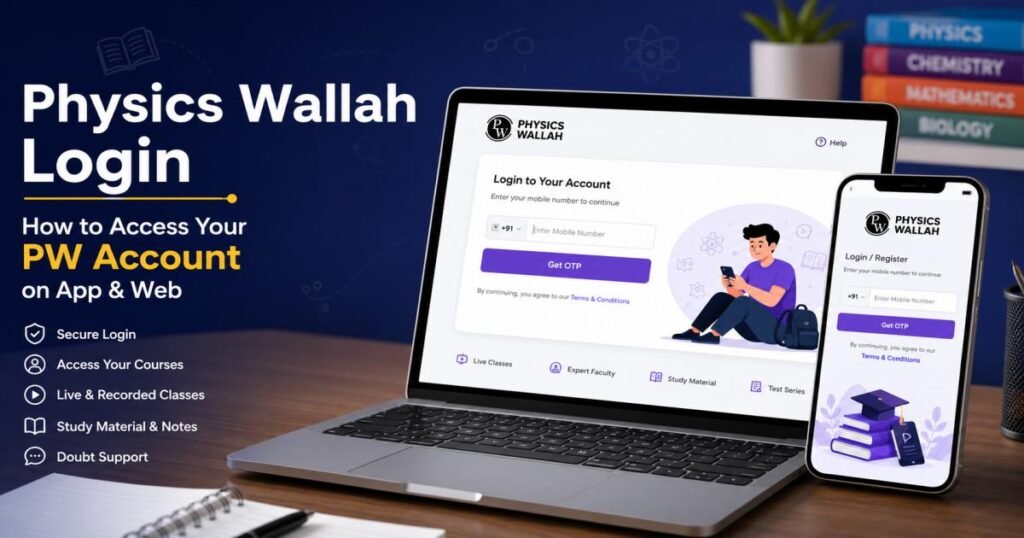
How to Complete Physics Wallah Login on the Web
The web platform works the same way, and it’s often easier for longer study sessions on a laptop:
- Open pw. live in your browser.
- Select the Physics Wallah login option, usually at the top right of the homepage.
- Enter your registered mobile number.
- Complete OTP verification by entering the code.
- Access your courses, batches, and account features from the dashboard.
Physics Wallah login pages run on mobile number and OTP verification. Some specific portals — test platforms or admin panels, for example — use a different sign-in method, including email-based login in a few cases. Confirm which portal you’re on before assuming the steps match exactly.
Physics Wallah Login With Mobile Number and OTP
Mobile-number verification is how PW confirms it’s really you signing in, on both app and web.
You enter your number, PW sends a short numeric code by SMS, and you type that code back in. The OTP step proves you have access to the registered number, not just knowledge of it, which adds a layer of protection a plain password doesn’t give.
A few things to know:
- The OTP usually arrives within a minute. Check your messages there first if you don’t see it right away.
- OTPs expire after a set window. Enter it too late, and you’ll need a new one.
- Repeated OTP requests in a short time can trigger a temporary block. Wait a few minutes and try again.
- Don’t share your OTP with anyone, even someone claiming to be PW support. True support staff never request help.
Physics Wallah Login Not Working? Common Problems & Fixes
Here’s how to fix the issues that come up most often:
OTP not received:
Confirm the mobile number is correct, check signal strength, and make sure your SIM can receive SMS. Wait a minute, then request again.
Incorrect mobile number:
Try the number linked to your fee payment or admission confirmation if you’re unsure which one you registered with.
Invalid or expired OTP:
Request a fresh code. Each OTP works once and only for a short time.
Too many OTP requests:
Wait a few minutes before trying again. Rapid repeated requests trigger a cooldown.
App not loading:
Force-close and reopen it. If that doesn’t work, try clearing the app cache or reinstalling the app.
Website login error:
Refresh the page, clear your browser’s cache and cookies, or switch browsers.
Internet or network problems:
Toggle between Wi-Fi and mobile data to isolate the issue.
Outdated app or browser:
Update to the current version — older versions sometimes stop working with login servers.
Temporary PW server issues:
If nothing above helps, the problem may be on PW’s end. Wait and retry later.
Final Takeaway
The fastest way into your account, on the app or web, is the same: registered mobile number, OTP, dashboard. No separate password, no extra screens, just those three steps whether you’re on your phone between classes or at a desktop for a longer study session.
Stick to PW’s official app and pw. live every time you log in. That one habit heads off almost every login and security issue students run into, especially on a platform with millions of registered accounts where fake apps and copycat sites do occasionally show up.
If you’ve worked through the fixes above and you’re still locked out, don’t keep guessing. Reach out to PW’s official support with your registered number and course details ready, and they can verify your account directly and get you back into your batch.
FAQs
How do I physics wallah login?
Open the PW app or pw. live, tap the login option, enter your registered mobile number, and verify with the OTP sent to your phone. You land on your dashboard as soon as the OTP checks out, with no separate username or password step in between.
Can I log in to PW with my mobile number?
Yes. Mobile number with OTP verification is the main login method on both the PW app and website, and it’s the only credential most students ever need for their main account.
What should I do if I don’t receive the PW OTP?
Check your signal strength, confirm your number is correct, and wait a minute before requesting a new OTP. If it still doesn’t arrive, switch networks, restart the app, or check whether your SIM has an SMS block enabled through your carrier.
Can I use Physics Wallah login on a laptop or PC?
Yes. The PW website runs on any standard browser, so you can log in and reach your courses from a laptop the same way you would on the app. Live classes, recordings, and notes all work the same way on desktop.
Why is my PW account not opening?
A weak internet connection, an outdated app, or a temporary server issue are the usual causes. Refresh, update the app, or switch networks to fix it. If none of that works, the issue is most likely on PW’s end, and waiting it out is usually the fastest fix.
Can I access my PW course after logging in on another device?
Yes. Your account is tied to your registered mobile number, not one device, so you can log in from more than one phone or computer without losing your batch access or progress.
What should I do if I forgot my PW password?
Most PW logins use OTP rather than a password. Where a portal does require one, use “Forgot Password” and follow the OTP-based reset, which confirms your identity the same way a regular login does.
How can I contact PW support for login issues?
Use the official support channels listed on PW’s website or app, and have your registered mobile number and course details ready. This speeds up account verification if support needs to check your enrollment before making changes.




[…] ban has not been lifted, and CapCut still doesn’t appear on the Google Play Store or Apple App Store when accessed from an Indian […]
[…] log in through a web portal or mobile app to view payslips, download tax forms, check leave balances, and update their own information, which […]